Getting started on HiMarket
Create your free account, set up WhatsApp contact, and take your first look around the Hong Kong MTG marketplace.
Last updated: 2026-07-24
HiMarket is a Hong Kong marketplace for Magic: The Gathering singles. You buy and sell at fixed prices, every card is checked by our staff before it reaches the buyer, and you never have to arrange meet-ups with strangers. This guide gets you from zero to browsing in about two minutes.
Step 1 — Create your account
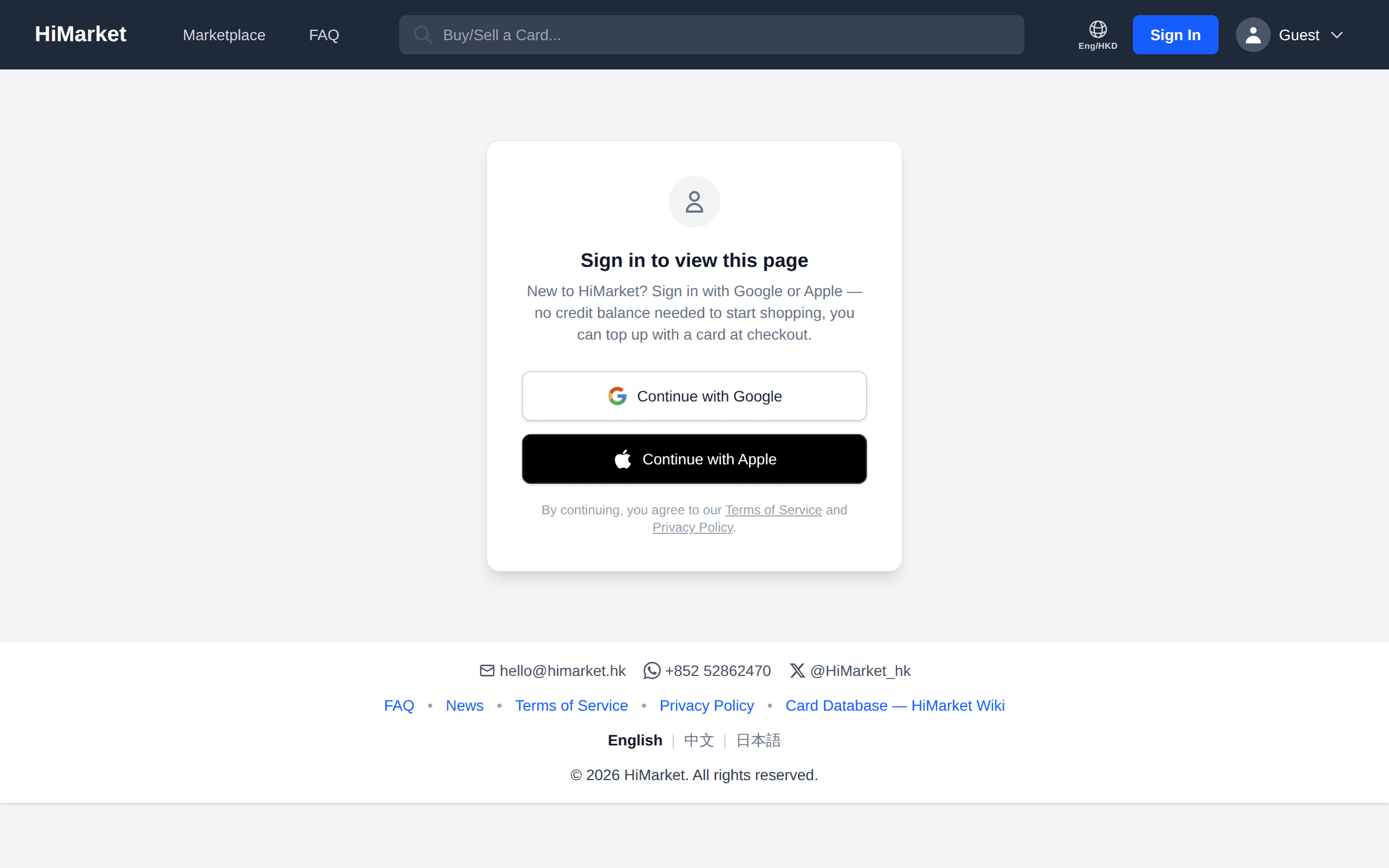
Click My Account in the top navigation and sign in with your Google or Apple ID. Account creation is free, and we only access your email address and display name.
Step 2 — Add your WhatsApp number
A WhatsApp number is required to complete a checkout — it's how we contact you about orders, drop-offs and pickups. You can add it on your Profile page now, or enter it during your first checkout.
Step 3 — Take a look around
- Search bar — type a card name for instant suggestions, or tap the camera icon to scan a physical card.
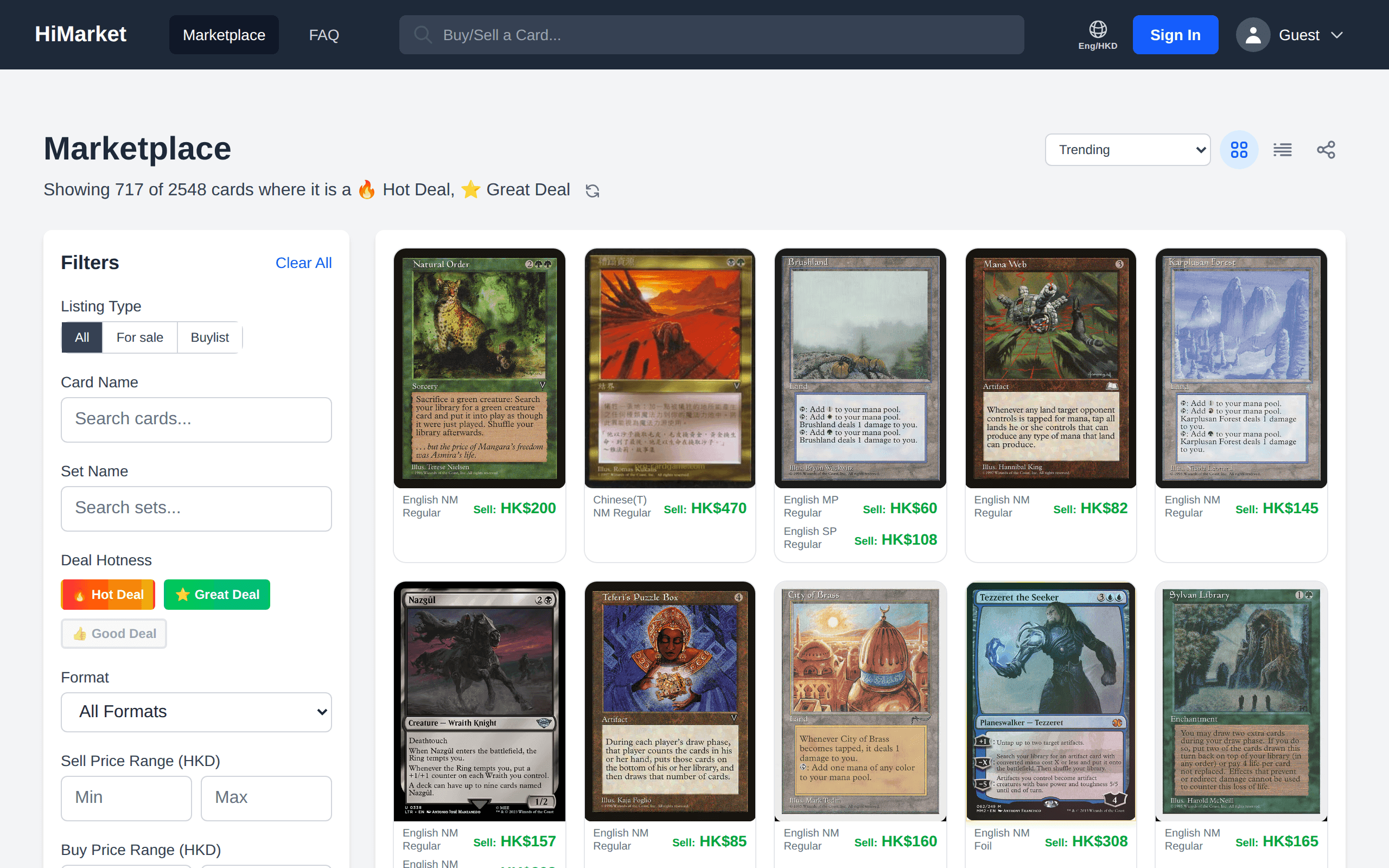
- [Marketplace](/marketplace) — browse everything currently for sale, filter by format, finish, condition or price, and sort by deal hotness.
- Card pages — click any card name to see every printing, every listing, and current buylist offers for it.
Step 4 — Understand the two balances
Everything on HiMarket settles in store credits (HKD). You earn them by selling cards, or top up by credit card — including automatically at checkout, so you never need to pre-load. Gift credits are bonus credits usable for fees only. See Store credits, top-ups and cashing out for the details.
Where to next?
- Ready to buy? Follow How to buy MTG cards.
- Got cards to sell? Follow How to sell MTG cards.
- Questions? The Help Center covers fees, delivery, refunds and more.
Common questions
What information is required?
We only collect basic profile information. If you sign in with Google or Apple ID, we access only your email and display name. A WhatsApp number is needed later to complete a checkout.
See our Privacy Policy for full details.
Can I link my Google and Apple accounts?
Yes! If you have two separate HiMarket accounts (one Google, one Apple), you can merge them into one. Go to your Profile page and scroll to the bottom to find the Merge Accounts section.
Is my information secure?
Yes! We use Firebase authentication and secure database storage with industry-standard security measures.